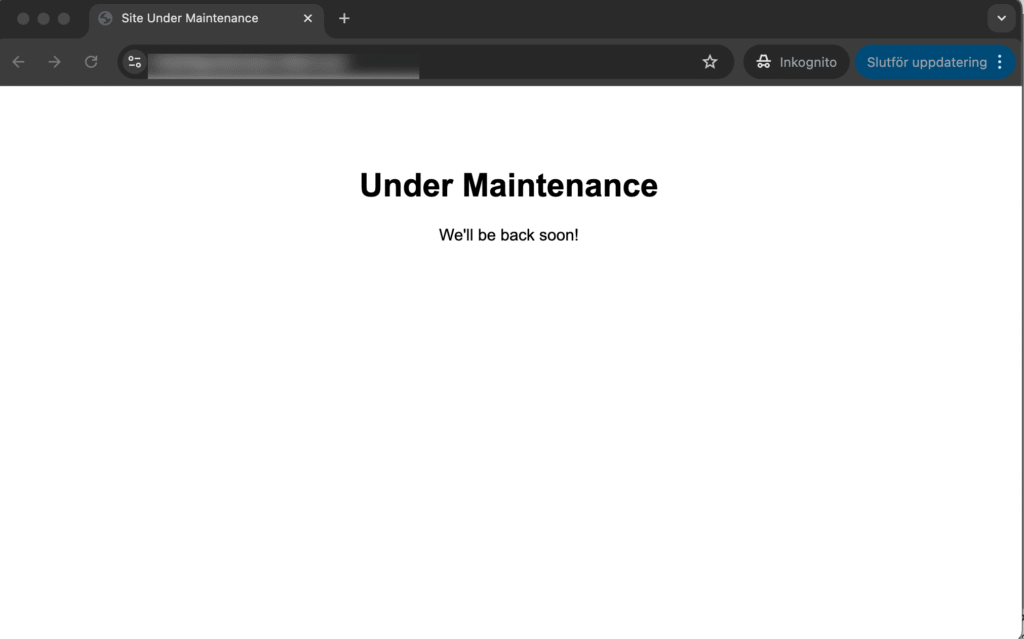
Professional WordPress Maintenance Mode Plugin
Take complete control of your site’s maintenance page with custom HTML, modern styling, and bulletproof security. Perfect for developers and agencies.
You will find the plugin underneath Settings -> Maintenance Mode once installed. No ads, no pop-pups, not premium. Everything for free as it should be with such a basic plugin.

Complete Site Lockdown
Blocks all visitor access while keeping administrators fully functional. No accidental exposure during maintenance work.
Custom HTML Control
Full HTML editor with syntax highlighting. Create exactly the maintenance page you want with zero restrictions.
Modern styling support
Built-in templates with utility-first CSS. Add your own frameworks like Tailwind CSS, Bootstrap, or custom styles.
WordPress.org Ready
Passes all security checks and coding standards. Safe for production sites and commercial use.
No Theme Interference
Bypasses WordPress themes entirely. Your maintenance page displays exactly as designed, every time.
Developer Friendly
Clean code, proper hooks, and extensible architecture. Easy to customize and integrate with your workflow.
See it in action

This is the way it works
The menu “Maintenance Mode” will appear underneath the settings and from there you can enable maintenance mode. With the checkbox checked, all pages are returning the HTML that you provide. You may also select a status code for what to return and you may choose between:
- 200 OK for this is the expected successful result before launch
- 503 Service temporary unavailable when in maintenance for a short time.
- 302 Temporary redirect when you are also doing maintenance for a longer time.
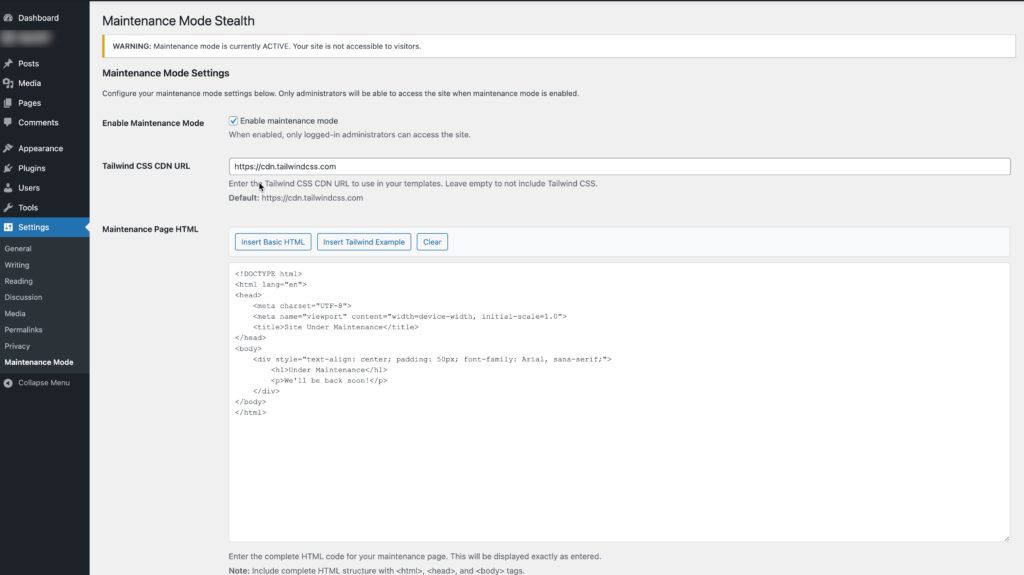
This is the admin interface where you can provide the HTML. We’ll just output it just as is and you may embedd styles and whatever you wish in here. We provide a basic HTML template and one with Tailwind from CDN as optional.